THE MERRYLINE LIGHTING DESIGNER
See your home in lights.
Upload a front-facing photo or try the sample. Draw your roofline, choose your lights, and share the concept with your quote request.
For the best experience, customize your lights on a computer. The larger screen makes drawing and placing lights easier than on a mobile device.
Free to try. No signup required. The sample is ready below.
Try the lighting designer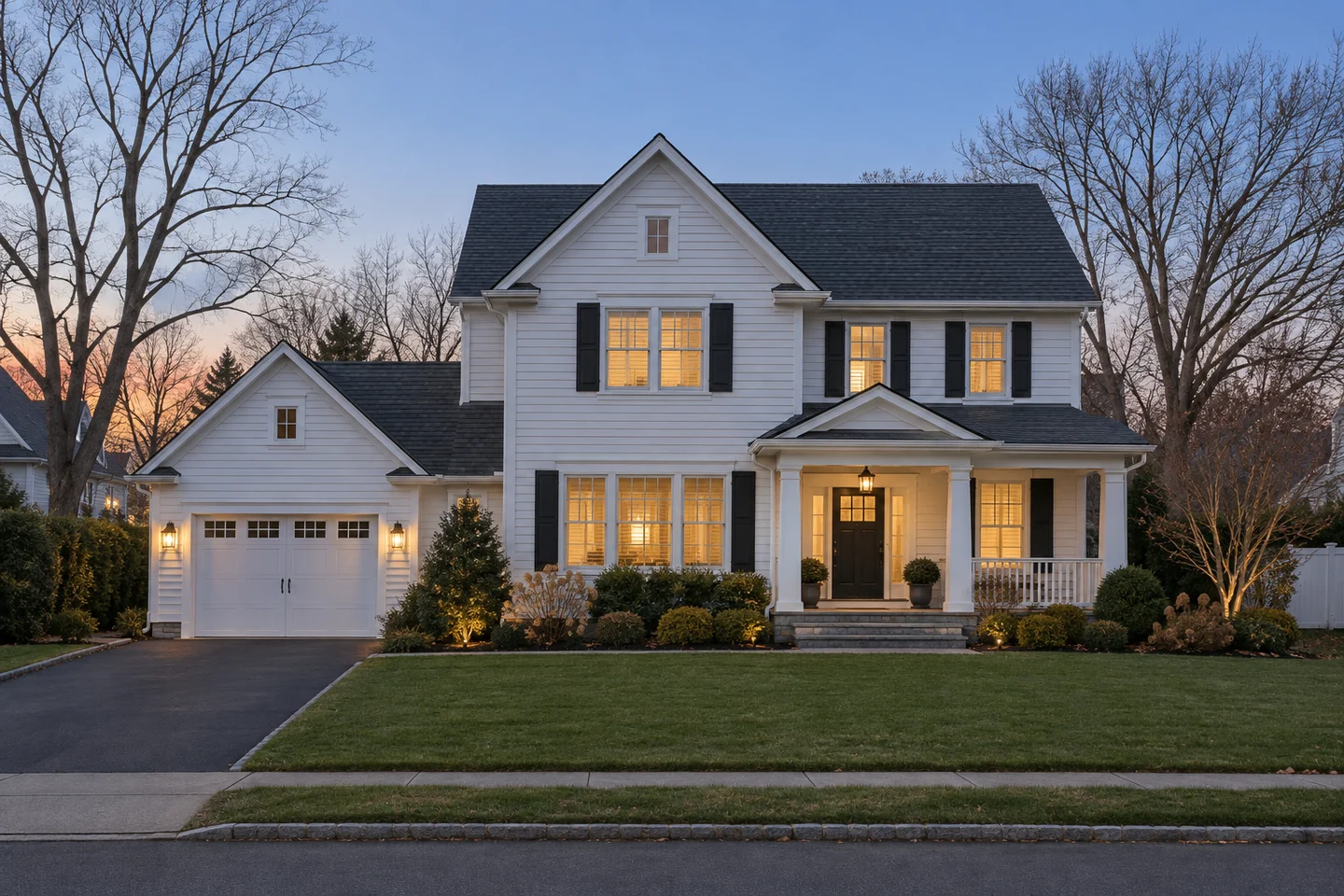
Like the direction?
Send your photo and concept with a quote request. We will review the design and confirm what works for your home.
This is a visual concept, not an exact measurement, confirmed product selection, or installation plan. Color and placement may vary. Drafts are temporary until submitted.
Prefer some help? Have us design itFROM PHOTO TO QUOTE REQUEST
How to plan your Christmas lights
1. Choose a clear front photo
Upload a JPG, PNG, or WebP image up to 10 MB, or try the sample home. Include the roof peaks and entrance. Your photo stays in your browser until you submit it with a quote request.
2. Draw the roofline and choose your colors
Trace the edges you want lit. Explore warm white, red and white, or multicolor lights and place wreaths or bows to show your entrance ideas. Adjust your design and compare it with the original photo.
3. Save your idea or request a quote
Download your concept to keep a copy, or continue to the quote form with your design attached. Add your full house address and any details the photo cannot show.
Do I need to sign up to use the designer?
No. You can try the sample, upload a photo, and explore a layout without joining the seasonal list or requesting a quote.
Is the preview an installation plan or price?
The preview illustrates your preferences. It does not measure your home or verify roof access, electrical requirements, or installation feasibility. Decoration options, placement, availability, and price are confirmed before booking.
For a better starting image, read how to photograph your home. Ready to plan the budget? See what goes into a lighting quote.